
Start an online session without registering
- Click on the link you received via email or text message from your therapist
- Access your virtual waiting room, directly for an individual session.
- Select ASK TO ENTER to inform the therapist of your arrival and wait
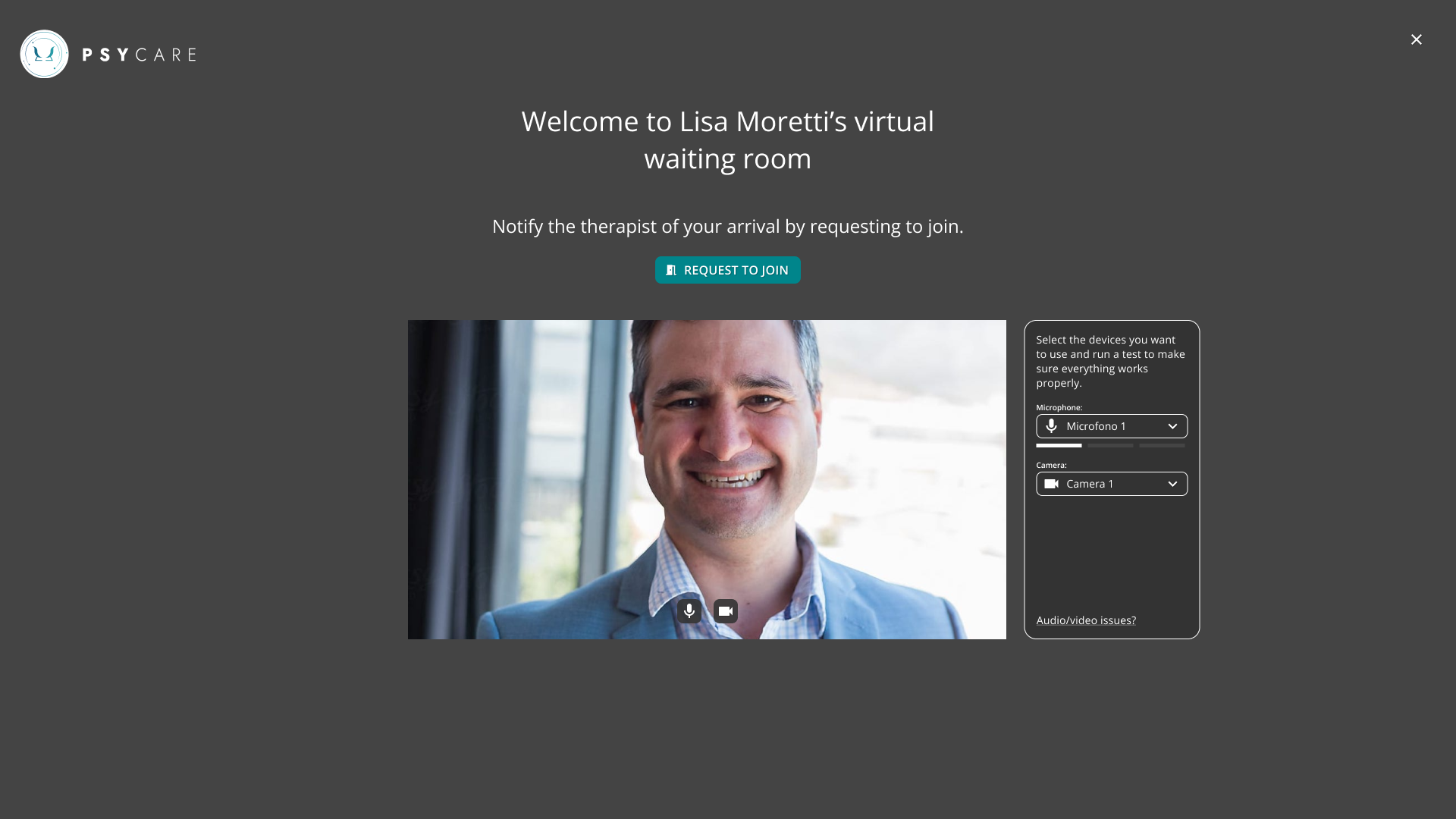
- In the virtual waiting room, before asking to enter, you can:
- choose the audio and video devices to use
- enable or disable the microphone or video
- The online session will begin as soon as the therapist allows you to enter the virtual room.
Start an online session now
- Select the button individual session that you see on your Home Page, and access directly to your virtual waiting room for an individual session.
- Access your virtual waiting room, directly for an individual session.
- Select ASK TO ENTER to inform the therapist of your arrival and wait
- In the virtual waiting room, before asking to enter, you can:
- choose the audio and video devices to use
- enable or disable the microphone or video
- The online session will begin as soon as the therapist allows you to enter the virtual room.