Why write notes on sheets of paper when there is PsyCare ?
Discover in detail all the advantages of using integrated digital notes. Clear, organized, and always available. Consult, update, or print them whenever you want.
Why write notes on sheets of paper when there is
PsyCare ?
Discover in detail all the advantages of using integrated digital notes. Clear, organized, and always available. Consult, update, or print them whenever you want.
Why write notes on sheets of paper when there is
PsyCare ?
Discover in detail all the advantages of using integrated digital notes. Clear, organized, and always available. Consult, update, or print them whenever you want.
Before, after or during the session: PsyCare digital notes are always at hand.
Before, after or during the session: PsyCare digital notes are always at hand.
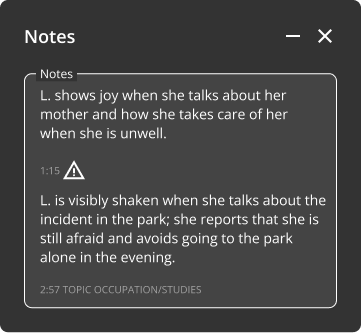
Write the notes before, after or dduring the session
Write down what you need before the patient enters the session, continue during it, and conclude your reflections once the session is over.
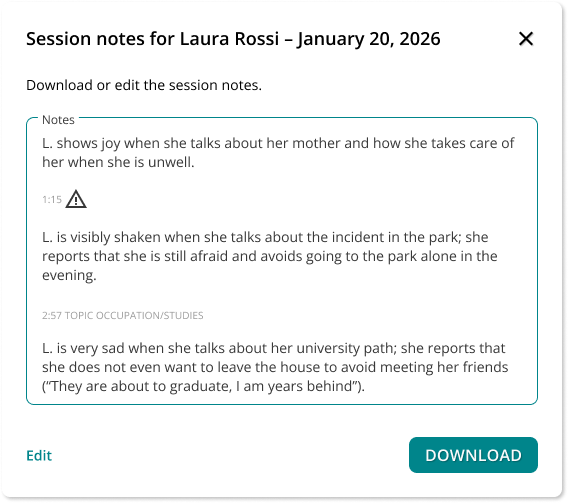
Download and print all your notes
If you prefer, you can download the notes in PDF format to keep them in your digital archive or print them for paper copy.
Themes and indicators
PsyCare notes include references to the topics discussed during the session and the indicators you used to highlight significant moments in the session or that need to be reviewed later.
Edit and review your notes whenever you want
You’ll find your notes in the session’s context menu. You can edit them directly from here or while reviewing the session recording.
The notes feature is currently only available on PC.
Write the notes before, after or dduring the session
Write down what you need before the patient enters the session, continue during it, and conclude your reflections once the session is over.
Edit and review your notes whenever you want
You’ll find your notes in the session’s context menu. You can edit them directly from here or while reviewing the session recording.
Download and print all your notes
If you prefer, you can download the notes in PDF format to keep them in your digital archive or print them for paper copy.
Themes and indicators
The PsyCare notes are accompanied by references to the topics discussed during the session and the indicators you will have used to highlight significant moments in the session or that need to be reviewed later.
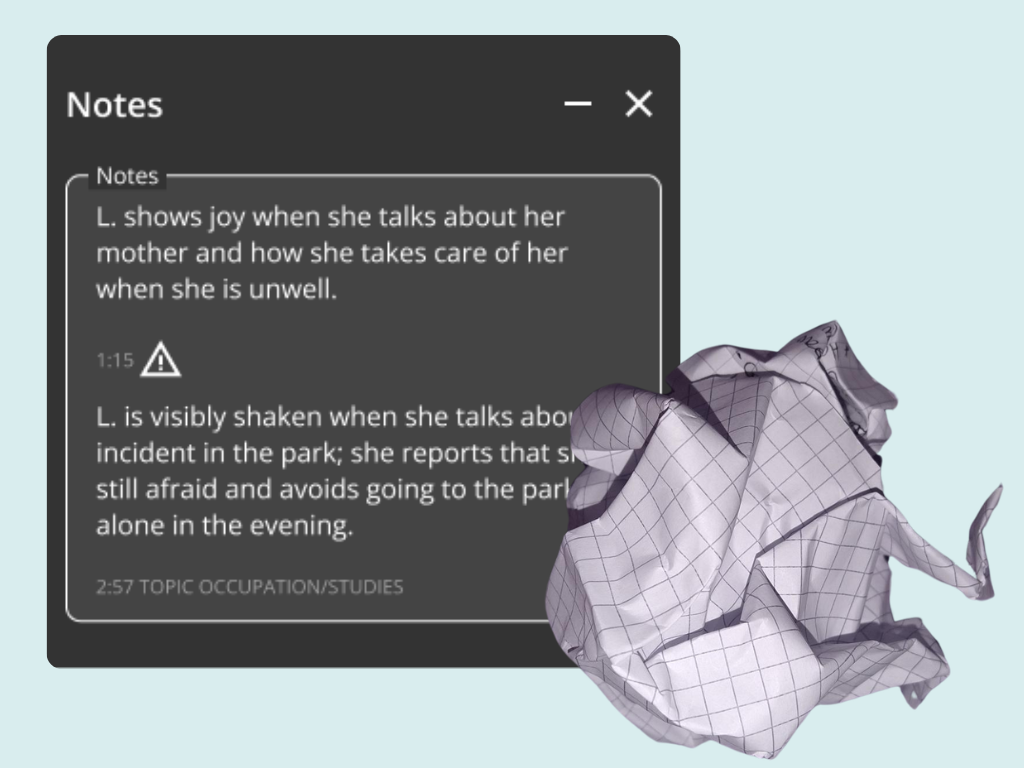
PsyCare Notes VS Paper Notes
PsyCare Notes VS Paper Notes
Four good reasons why PsyCare notes they are better than paper notes
◆ Save on paper and help the environment! You no longer need a notepad, just click on the icon and start writing notes directly on PsyCare: before, after, or during the session.
◆ You decide when to add or edit notes Prefer to jot down everything at the end of the session? No problem, add or edit notes whenever you want, even while reviewing the recording.
◆ Can’t find your notes but need to refresh your memory before the next session? Click on the context menu for the relevant session and immediately review the notes. The themes and indicators listed there will help you immediately identify the key points.
◆ Still can’t do without the smell of paper? Download and print your notes whenever you want.
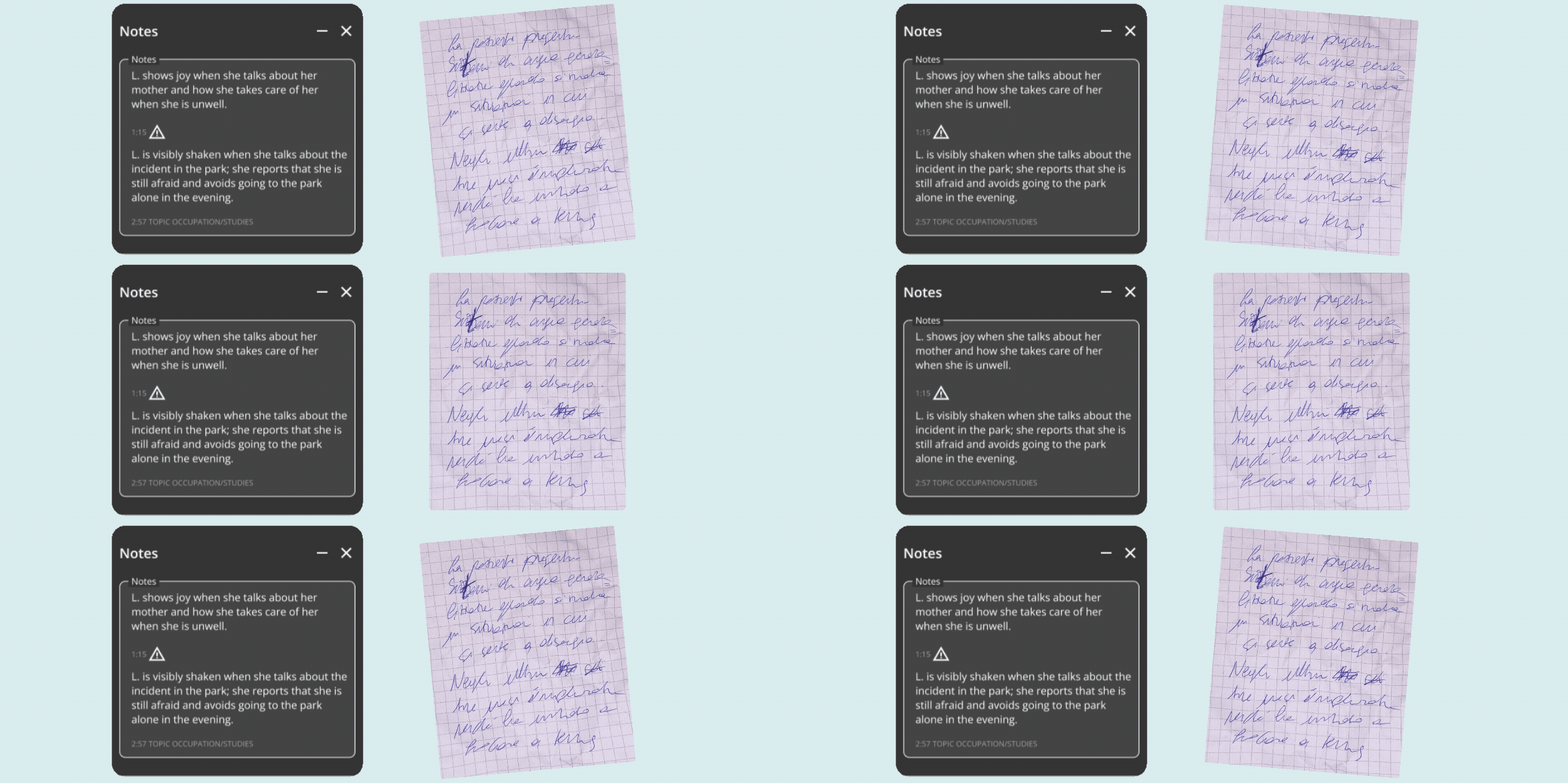
PsyCare Notes VS Paper Notes
Four good reasons why PsyCare notes they are better than paper notes
◆ Save on paper and help the environment! You no longer need a notepad, just click on the icon and start writing notes directly on PsyCare: before, after, or during the session.
◆ You decide when to add or edit notes Prefer to jot down everything at the end of the session? No problem, add or edit notes whenever you want, even while reviewing the recording.
◆ Can’t find your notes but need to refresh your memory before the next session? Click on the context menu for the relevant session and immediately review the notes. The themes and indicators listed there will help you immediately identify the key points.
◆ Still can’t do without the smell of paper? Download and print your notes whenever you want.
Discover all the features of PsyCare
Try the Professional Plan for free!
Try the Professional Plan now for free to learn more about how PsyCare’s integrated notes work and all the other benefits this plan offers! We also recommend requesting a free online demonstration with our staff; they’ll be happy to answer any questions you may have.
Try the Professional Plan now for free to learn more about PsyCare’s integrated notes and all the other benefits this plan offers! We also recommend requesting a free online demonstration with our staff; they’ll be happy to answer any questions you may have.